You haven't signed in yet, you can have a better experience after signing in
Scrivener 3 paper/novel writing tool artifact software
Activity Rules
1、Activity time:{{ info.groupon.start_at }} ~ {{ info.groupon.end_at }}。
1、Activity time:cease when sold out。
2、Validity period of the Group Buying:{{ info.groupon.expire_days * 24 }} hours。
3、Number of Group Buying:{{ info.groupon.need_count }}x。
Please Pay Attention
1、Teamwork process: Join/initiate a Group Buying and make a successful payment - Within the validity period, the number of team members meets the activity requirements - Group Buying succeeded!
2、If the number of participants cannot be met within the valid period, the group will fail, and the paid amount will be refunded in the original way.
3、The number of people required and the time of the event may vary among different products. Please pay attention to the rules of the event.
Scrivener 3 paper/novel writing tool artifact software
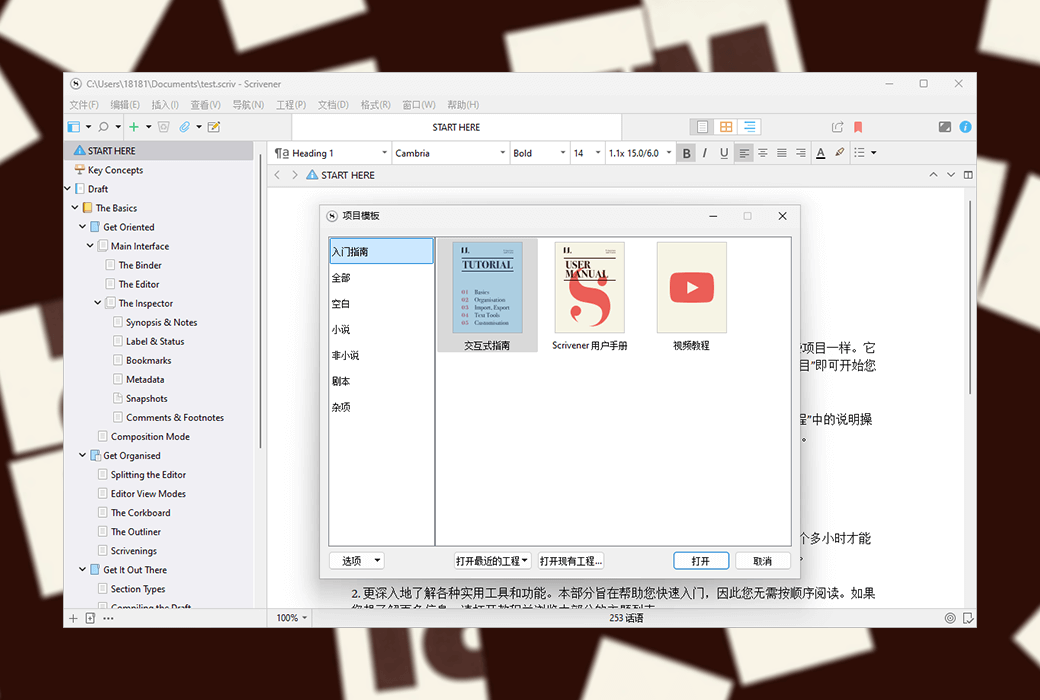
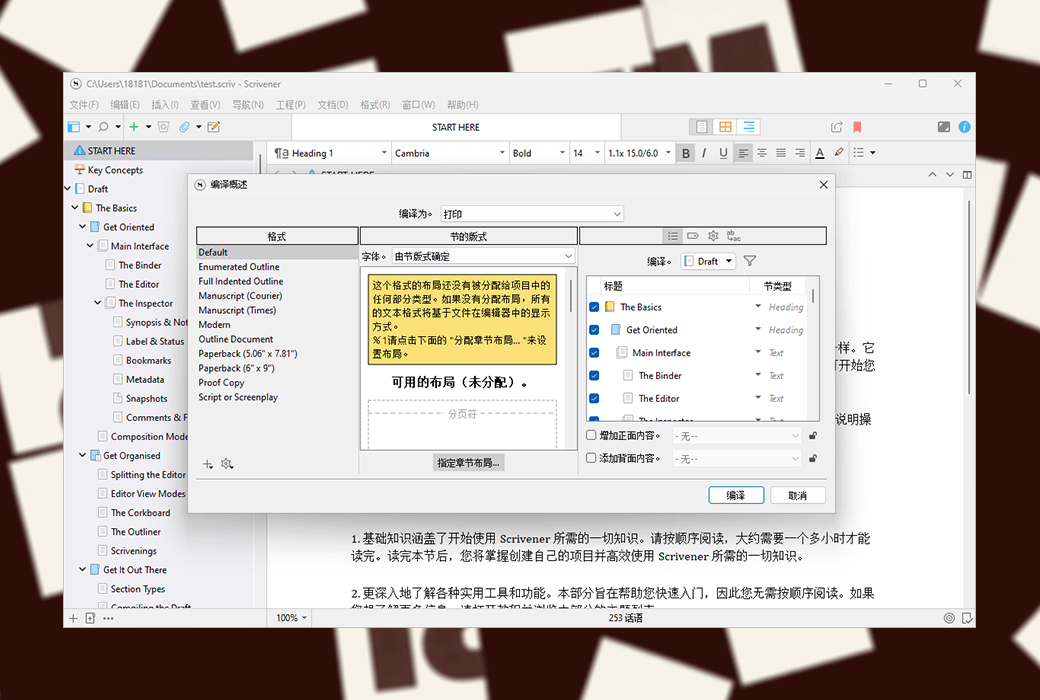
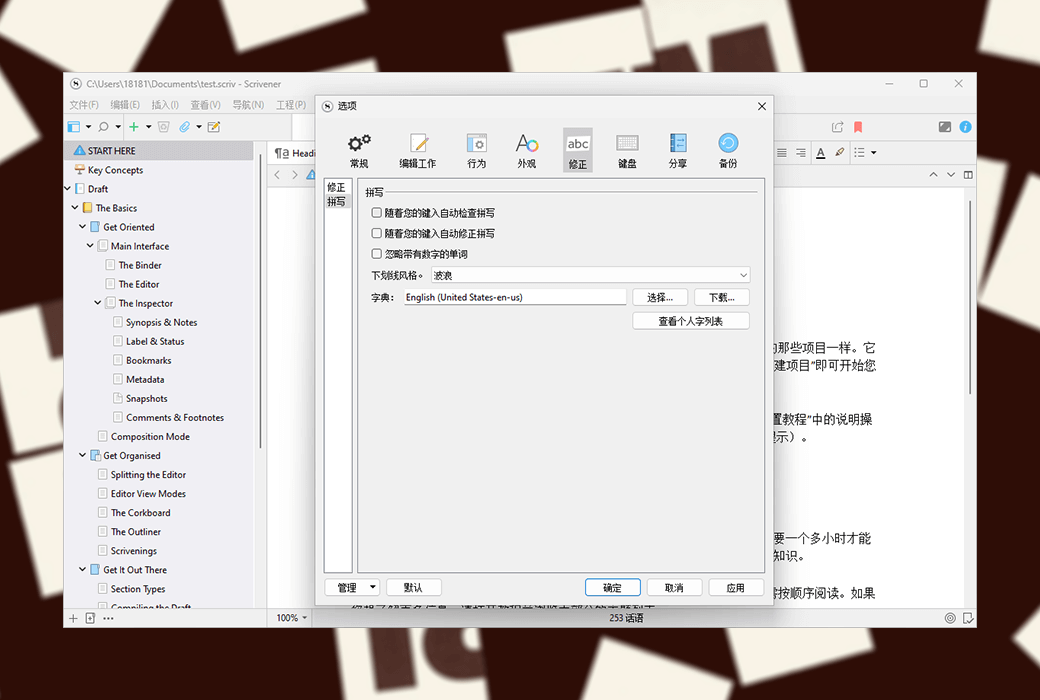
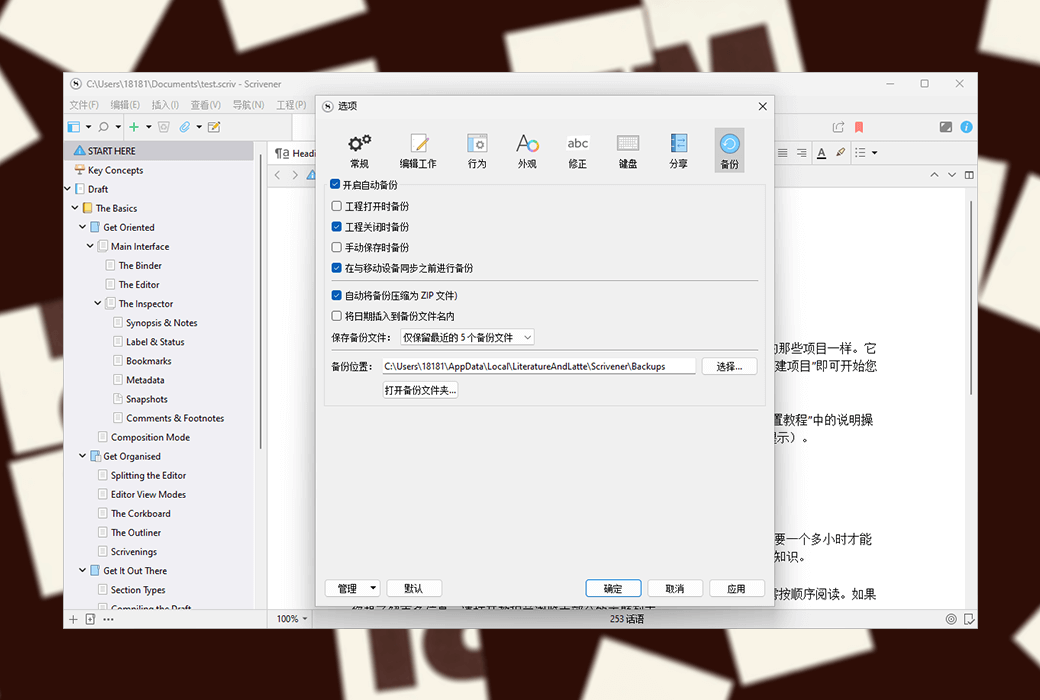
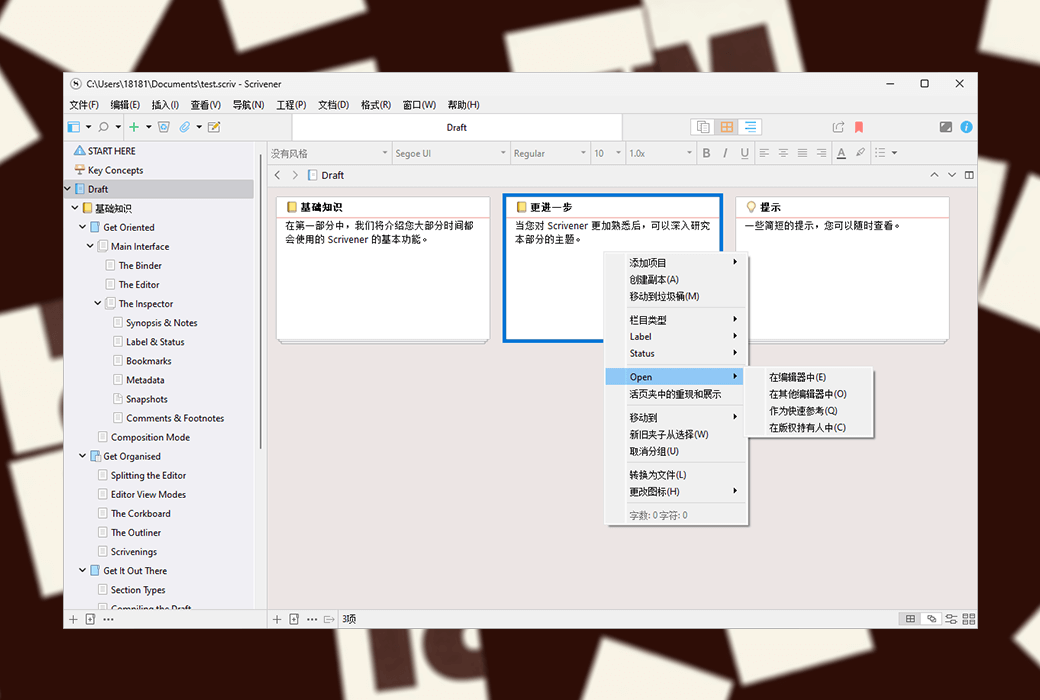
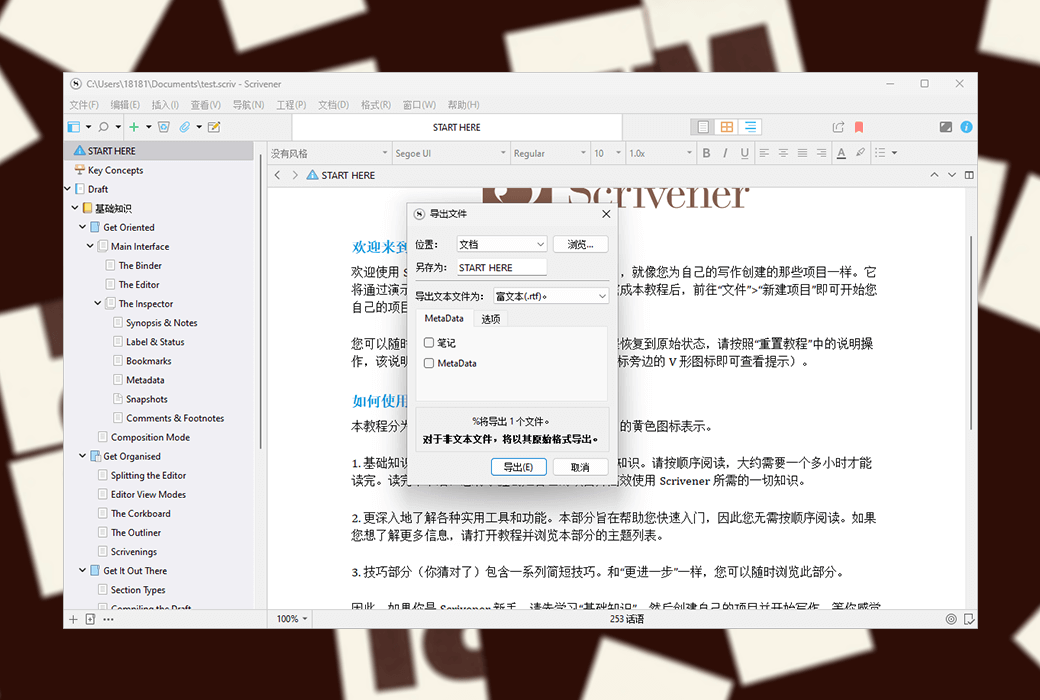
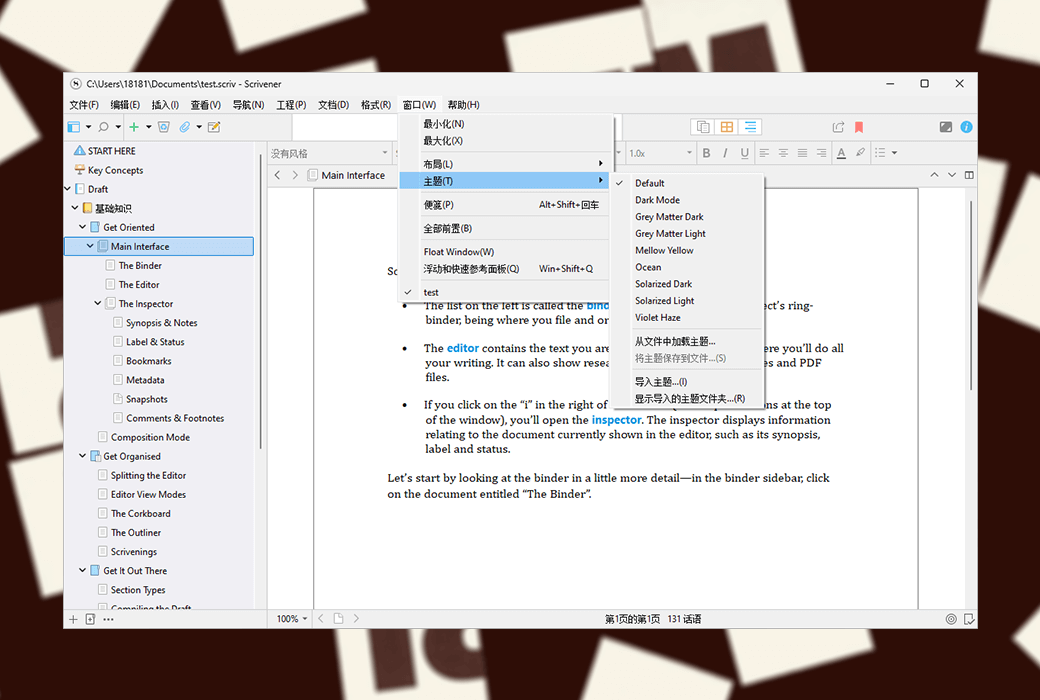
Scrivener is an excellent writing software that provides various writing assistance functions, such as annotating multiple documents, overview introductions, full screen editing, snapshots, etc. It can easily and conveniently assist authors in the entire writing process from ideation, data collection, organizational structure, addition, deletion, modification to layout output.
As a professional writing software, Scrivener's directory function is very powerful and flexible. After opening a new project, you will see the binder bar or directory tree on the left side of the interface. The root directory of the binder defaults to three folders, namely "Drafts", "Investigations", and "Garbage Bin". Draft "and" research "are easy to understand, with the former used to place the content of writing and the latter to place the collected information.
Full screen writing
Full screen writing is a common feature in various writing software. In full screen mode, you can set text zoom, paper position (center, left, right), paper width, and light background by yourself.
In full screen mode, the software defaults to typewriter mode, which means that the line being inputted will automatically be placed in the middle of the screen, and there is no need to wait until it reaches the bottom of the screen. The content will jump up line by line, which is quite user-friendly.
Of course, in non full screen mode, you can also set the typewriter scrolling mode by yourself. In addition, it is very convenient to directly use keyword search, viewer, and document jump functions in full screen mode.
Note taking function
Generally speaking, Scrivener has three types of notes: document notes, engineering notes, and memo pads.
Document notes belong to a single document and can only be seen within the corresponding document.
Engineering notes are the notes of the entire project. Suitable for placing commonly used materials in current projects.
A notepad is equivalent to a loose leaf notebook, shared by all Scrvener projects. Its content can be sent to any designated location in any project at any time.

官方网站:https://www.literatureandlatte.com
下载中心:https://scrivener.apsgo.cn
备用下载:N/A
发货时间:24 小时自动发货
运行平台:Windows、macOS
界面语言:支持中文界面显示,多语言可选。
更新说明:当前版本终身有效,且支持小版本更新升级
买前试用:购前可使用功能限制免费版。
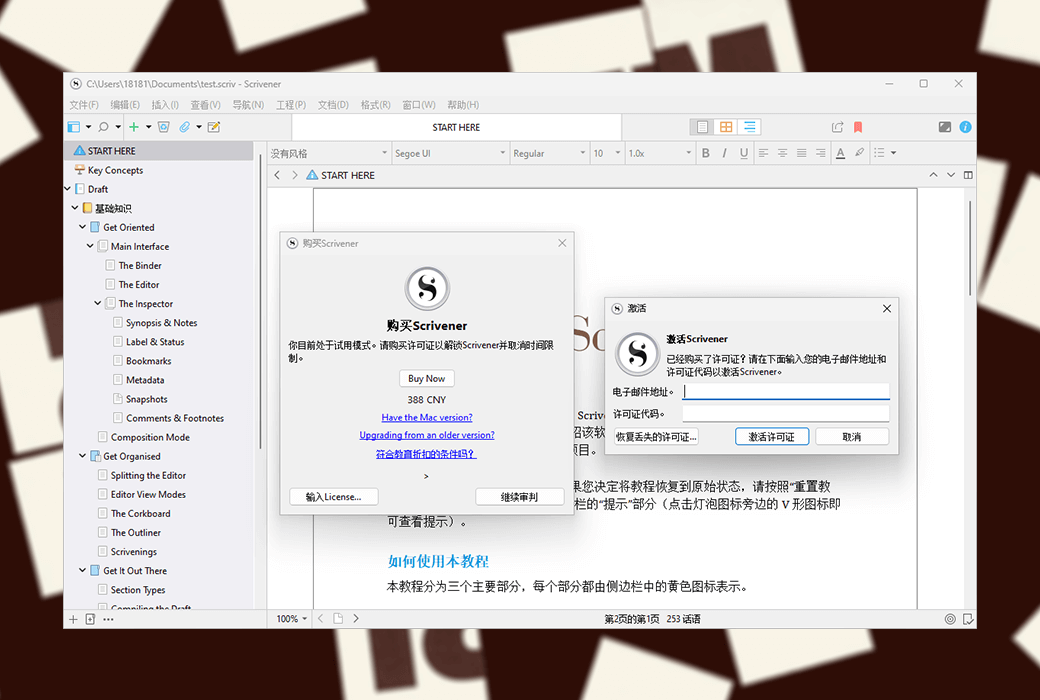
如何收货:购买后,激活信息会以邮件的形式发送到下单时的邮箱,同时可在个人中心,我的订单中查看对应的产品激活码。
设备数量:您可以在您的所有设备上进行安装(Windows/macOS)。
更换电脑:原电脑卸载,新电脑激活。
激活引导:https://scrivener.apsgo.com/forum/2978
参考资料:https://scrivener.tenderapp.com/help/kb/purchasing-and-installation
Any question
Hello!
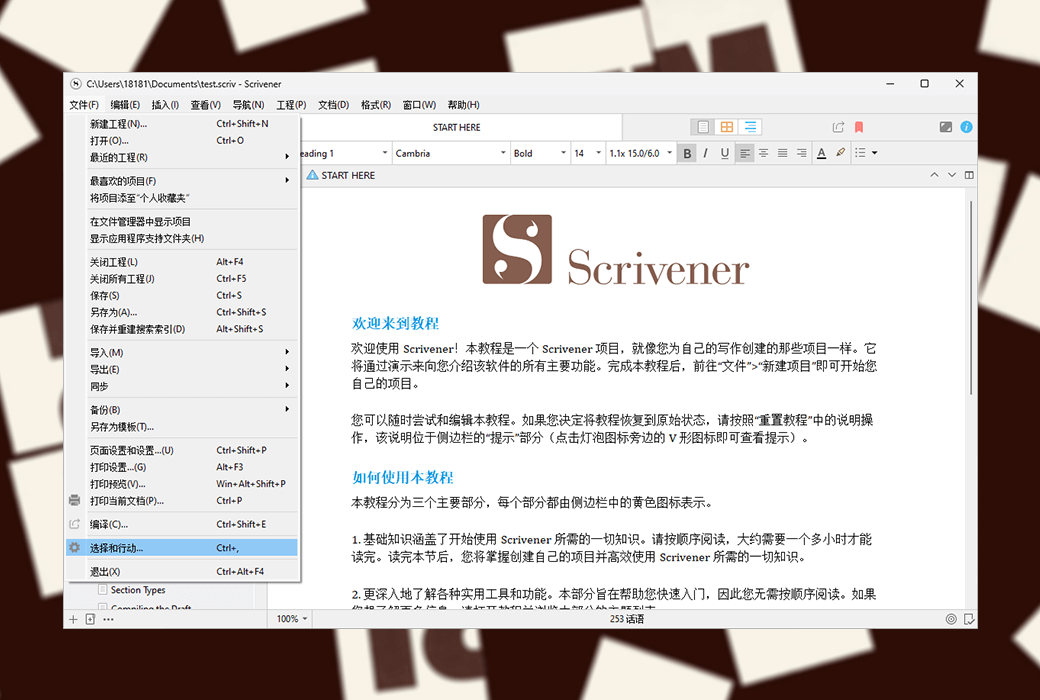
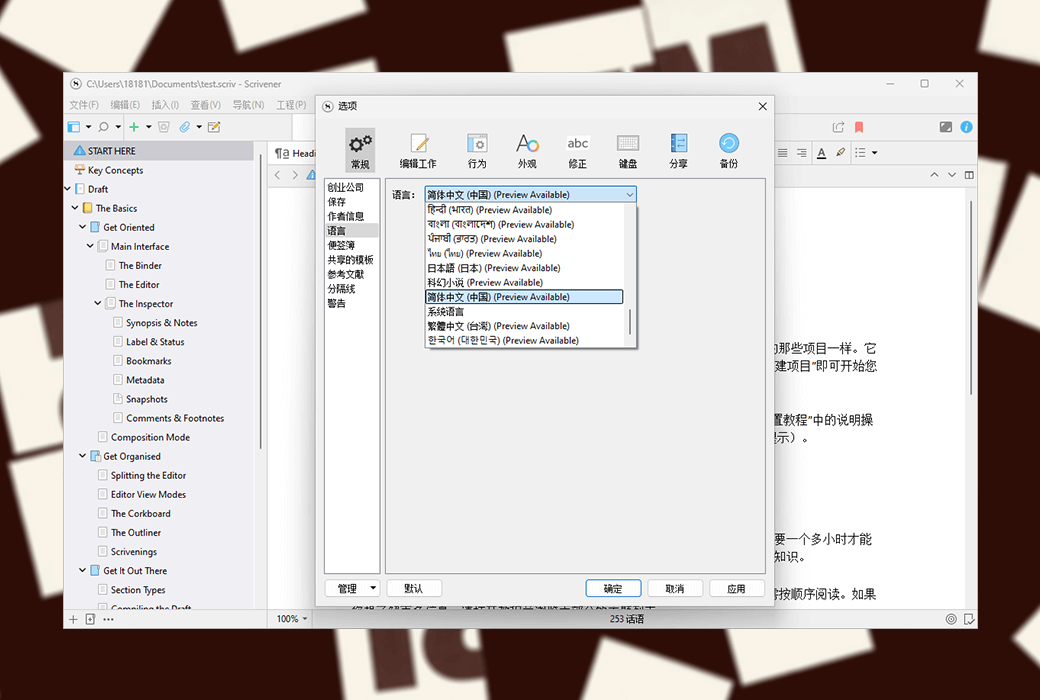
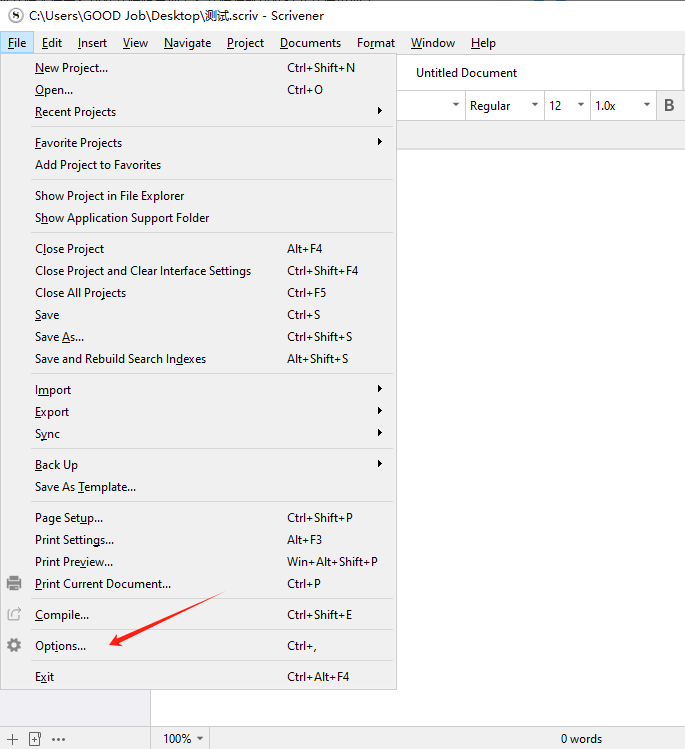
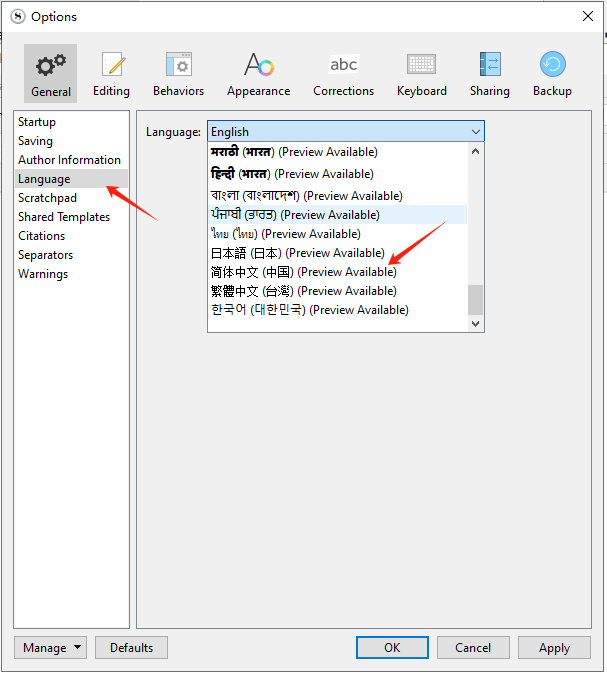
Click on File - Settings - Language Options - Select Chinese.
(1)

(2)